Your CRM holds the lead, but the follow-up task lives in someone's head. That gap costs small teams deals every week, and it is usually what pushes them to compare automation tools in the first place.
This article breaks down what small businesses actually need in CRM integration automation software, from pricing and scalability to the features that matter day to day. You will get six concrete options, starting with our top overall pick, plus a framework for matching a tool to how your team already works.
What to Look For in CRM Integration Automation Software
Choosing CRM integration automation software for a small business means balancing immediate needs against long-term growth, so you avoid paying for complexity you'll never use.
Most small teams evaluate tools in two areas: feature fit and pricing plus scalability. Feature fit asks whether the tool handles your actual workflows, not the workflows a vendor imagines you have.
Pricing and scalability ask whether the cost stays reasonable as your headcount and data volume grow. Businesses often overbuy because a demo looked impressive, or underbuy because a low tier seemed sufficient until it wasn't. Mapping each tool to real workflows keeps both mistakes in check.
Key Features Small Businesses Need
For a small business, the most valuable CRM integration features are the ones that eliminate manual data entry and keep your sales pipeline visible without adding administrative overhead.
Start with two-way contact and lead sync. When a record changes in your customer relationship management platform, it should update everywhere else automatically, and vice versa. One-way sync creates stale data and duplicate records fast.
Next, look for deal stage automation. Moving a deal from qualified to proposal should trigger the right follow-up without a person remembering to do it. Related to this is task automation tied to CRM events, so a stage change or new lead generates an assigned next step.
Email integration and calendar sync round out the essentials. Your team should send and log messages from inside the CRM, and meetings should appear on both sides without copy-paste. A concrete example shows why this matters: when a lead fills out a form, the system should create a contact, assign a task to the right rep, and send a Slack alert, all without human touch.
Finally, consider no-code integration options. Connectors to tools like Zapier or Make let you link third-party apps without engineering help. Basic reporting closes the loop, showing pipeline value and conversion at a glance.
Be cautious with features that demand dedicated IT staff to maintain. If a workflow requires custom code or constant troubleshooting, it will likely sit unused.
- Two-way sync for contacts and leads
- Deal stage automation with triggered actions
- Email and calendar integration with automatic logging
- Task creation from CRM events
- No-code connectors to Zapier, Make, and similar platforms
- Basic reporting on pipeline and activity
Pricing and Scalability Considerations
Pricing models for CRM automation vary widely, but small businesses should watch for per-user fees, API call limits, and charges for essential integrations that are often hidden in lower tiers.
The most common structure is per-user, per-month. This scales linearly, which is predictable but can sting as you hire. Tiered plans gate features, so the reporting or workflow automation you need may only appear two levels up. Usage-based pricing ties cost to API calls or records processed, which is cheap at low volume and expensive during growth spurts.
A simple formula helps you plan. Multiply your expected user count by the per-user rate, add any platform fee, then add estimated integration or usage charges. Run it twice: once for today's team of five and once for a projected team of twenty in two years. The gap often reveals whether a tool stays affordable or becomes a burden.
Check whether critical pieces like email integration or calendar sync are included or billed separately. Some vendors treat these as premium add-ons, which changes the real cost considerably.
Scalability is not only about price. Ask whether the platform adds users and data without requiring re-implementation. A tool that needs a fresh setup every time you double in size will cost you in time, not just money. Data synchronization should hold up as volume grows, and workflow automation should not slow to a crawl.
Experts recommend testing a vendor's pricing page against your own growth assumptions before committing. The cheapest option today is rarely the cheapest option in two years.
1. Tasks.Bot - Best Overall
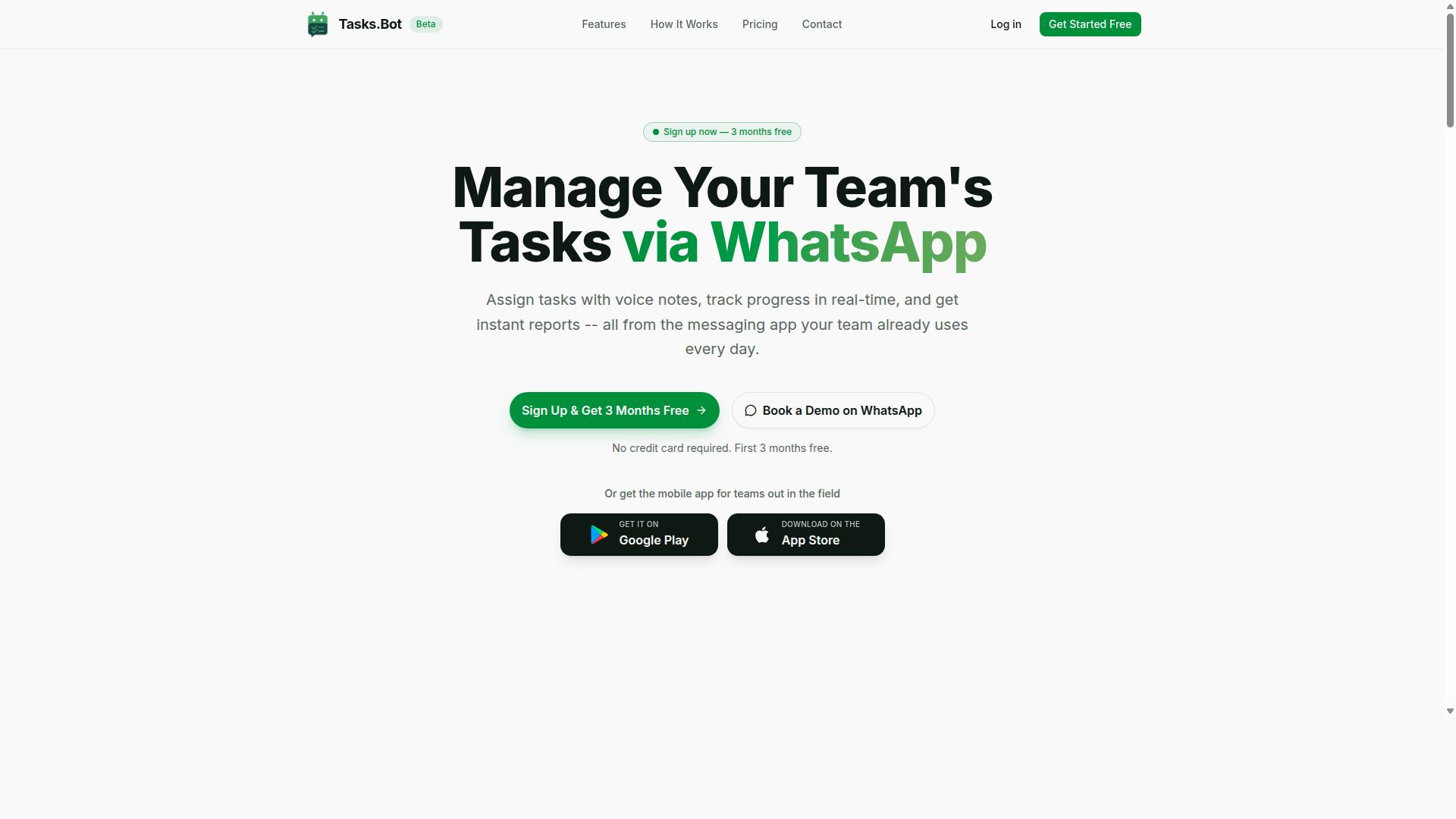
Tasks.Bot earns the top spot by turning WhatsApp, a tool most teams already use, into a full task management and automation hub, eliminating adoption barriers for field and remote staff. There are no new app installs or accounts for team members to create, which removes the friction that usually kills small business software rollouts.
It supports voice note task creation, automatic task assignment, smart deadline reminders, approvals, and instant reports. Teams also get tasks on a map, a live day tracker, and face-verified attendance with shifts, leave, and hours management. AI interprets user intent and creates tasks from messages, while Android and iOS apps add push notifications and a home screen widget.
Pricing and Free Trial
Tasks.Bot offers a straightforward 'Full Access' plan with all features included, priced at ₹200 per member per month or ₹1,200 per member per year, with no hidden tiers. The annual option works out to roughly ₹100 per month per member, a saving of about 50%.
Pricing is available in both Indian Rupees and US Dollars, and the site includes a 'Select currency' option so buyers can confirm the correct currency before paying. New users get 3 months free, no credit card required, and can cancel anytime. The service is currently in beta, and a refund policy is mentioned in the footer.
For a small business weighing automation software, the practical step is to book a demo on WhatsApp and run real tasks through it before committing. That way the team tests the workflow it will actually use, rather than judging from a feature list alone.
2. Reminderly.ai
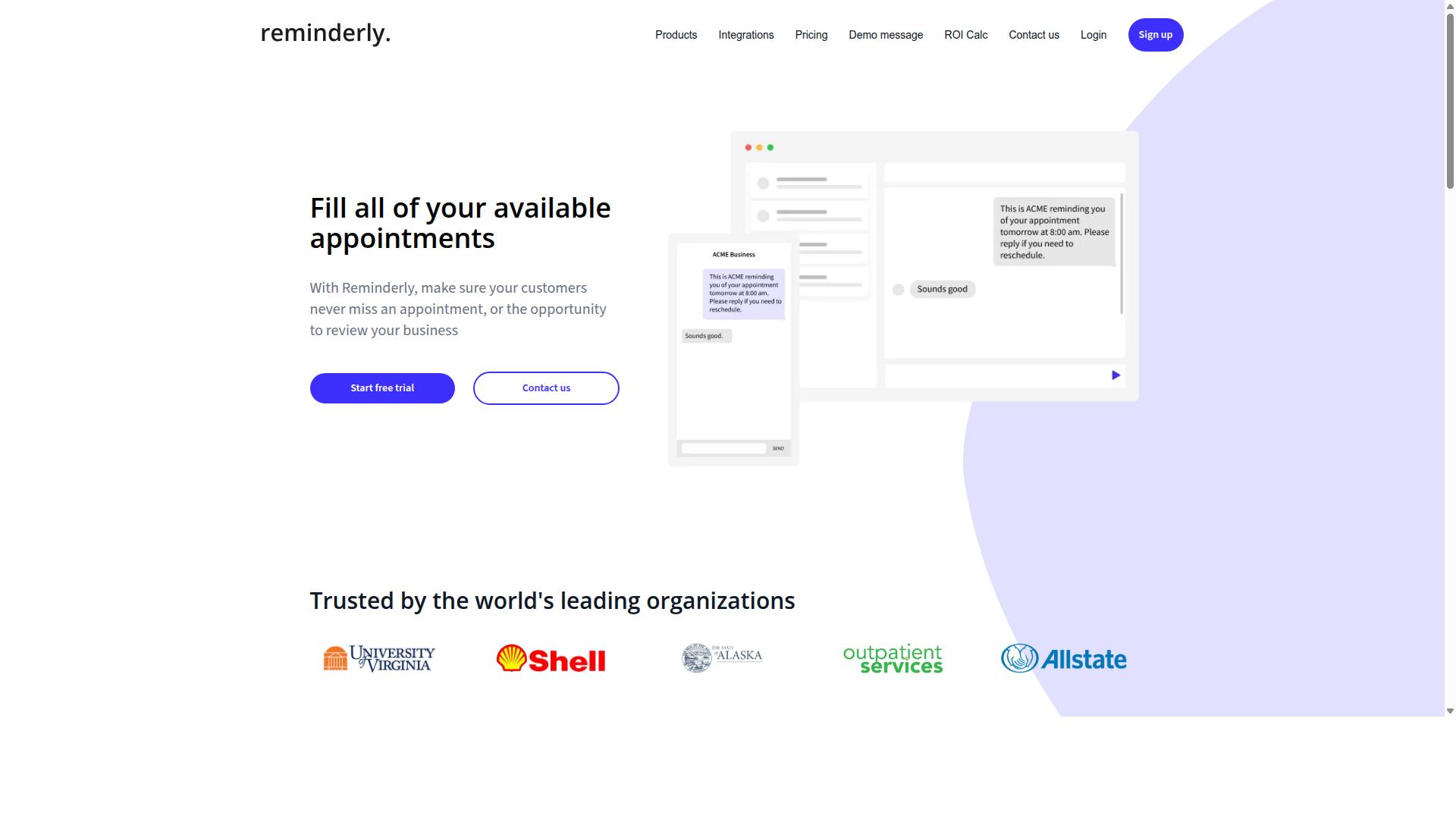
Reminderly.ai focuses on AI-driven reminders and follow-ups, making it a good fit for sales teams that need to stay on top of leads without manual tracking. Rather than positioning itself as a full customer relationship management platform, it works as a lightweight layer that nudges reps when a task or follow-up is due.
That narrow focus can be an advantage for small businesses that already have a CRM in place but struggle with task automation and consistency. Instead of replacing an existing system, the tool is generally used alongside it to keep lead management from slipping through the cracks.
Typical features reported for tools in this category include smart reminders, email integration, and basic CRM sync. These are the kinds of capabilities that support email integration and calendar sync without requiring a heavy setup process.
- Smart reminders that adapt to follow-up timing
- Email integration for sending and tracking outreach
- Basic CRM sync to keep contact records aligned
- Simple task automation for recurring follow-ups
For a small team handling a modest volume of leads, this kind of setup can reduce the manual effort of remembering who to contact and when. It tends to suit teams with simple follow-up needs rather than complex, multi-stage sales processes.
Where it may fall short is in deeper workflow automation and field-level integration. Businesses that depend on detailed data synchronization across multiple third-party apps, or that need advanced API integration with platforms like HubSpot, Salesforce, or Pipedrive, may find the connection depth limited.
Teams weighing options should consider how much of their sales pipeline depends on reminders versus structured CRM data. If the priority is a low-friction nudge system, Reminderly.ai can serve that role. If the priority is a connected customer data platform with rich automation, a more integration-focused tool is likely a better match.
3. TaskRio
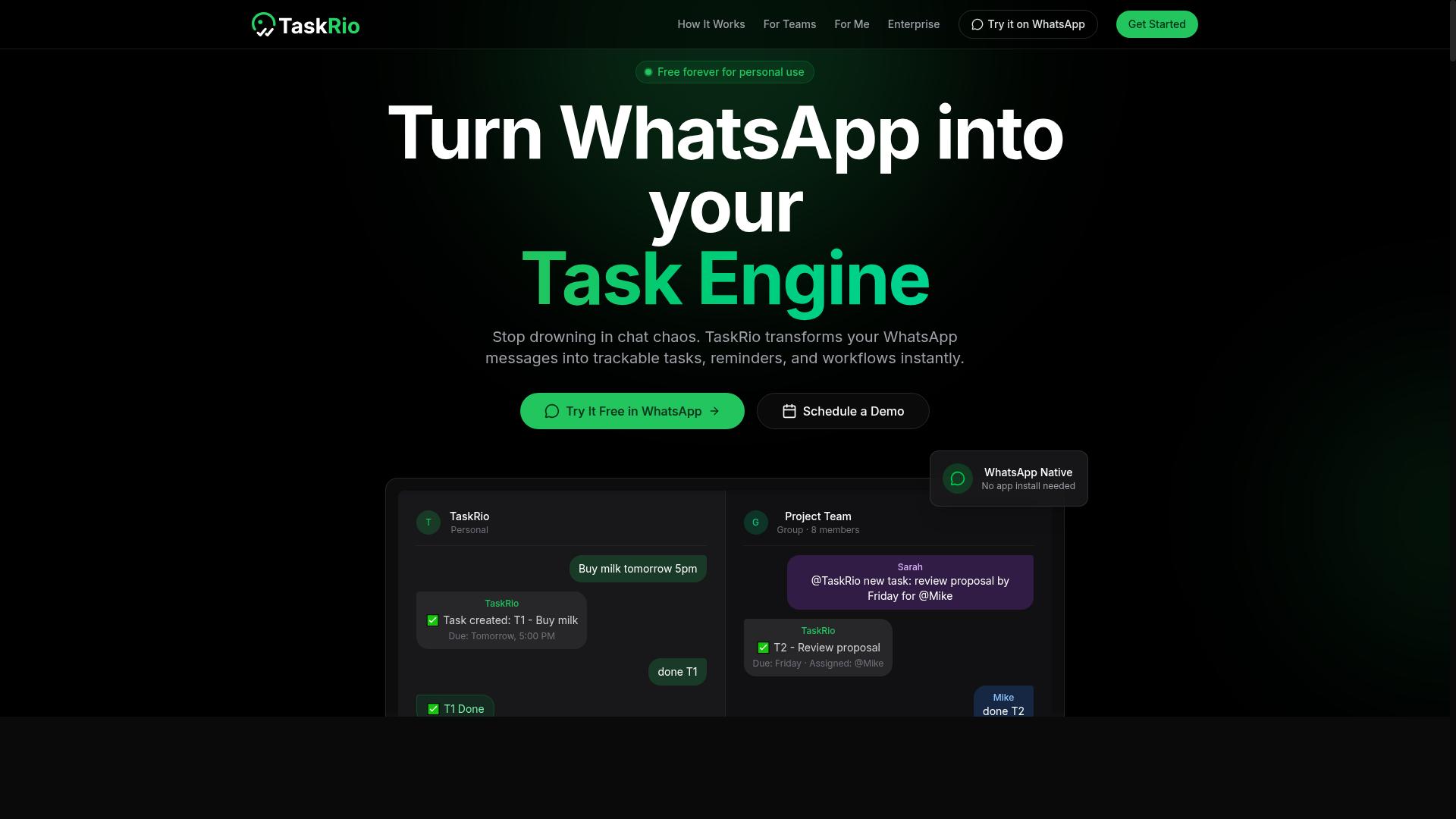
TaskRio positions itself as a collaborative task manager that can connect to CRM systems for basic contact and deal syncing. Based on publicly available information, it appears to focus on keeping project work and customer records in the same place rather than offering deep sales force automation.
The tool may offer task boards, assignment tracking, and lightweight integrations with popular CRM platforms. These features are aimed at helping small teams see what needs to happen next without switching between multiple apps all day.
Because details about TaskRio are not widely documented, small business owners should treat this as a starting point. The vendor's own site is the best place to confirm current CRM integration options and whether they match your existing stack.
When evaluating a tool like this, look at how data flows between systems. A useful setup typically covers a few core areas:
- Contact management syncing so records stay consistent across tools
- Deal or opportunity updates that reflect progress in your sales pipeline
- Task creation tied to customer records or open deals
- Calendar sync for meetings and follow-ups
- Notifications through email or team messaging apps
TaskRio may be better suited to project-based teams than to field staff. Teams that work from a shared board, such as marketing, design, or client services groups, could find the task-first layout more natural than a mobile-heavy sales workflow.
Field staff, by contrast, often need offline access, route planning, and quick mobile check-ins. Those needs are typically served by sales-focused platforms rather than general task managers, so buyers in that category should weigh their options carefully.
It also helps to check how a tool handles data synchronization when records change in two places at once. Conflicting edits, duplicate contacts, and stale deal stages are common friction points in any CRM integration, and asking the vendor how these are handled can save hours later.
Pricing, plan limits, and the full list of supported third-party apps are not confirmed here. Small businesses should visit the TaskRio website directly and verify integration capabilities, user limits, and support options before committing. Comparing those answers against your own workflow is the most reliable way to judge fit.
4. Karo.bot
Karo.bot is a conversational automation tool that lets users create tasks and workflows via chat interfaces, similar to how some teams use WhatsApp. Instead of navigating a dashboard full of menus, a user types a request in plain language and the system turns it into an actionable item. For small businesses already comfortable with chat-based tools like Slack or Microsoft Teams, that approach can feel more natural than learning a new interface from scratch.
The appeal here is familiarity. When a sales rep can type "follow up with this lead on Friday" and have a task appear automatically, the barrier to adoption drops. Natural language task creation is the core idea, and it fits teams that resist traditional task automation software because it looks too complicated.
Karo.bot may also connect with common customer relationship management platforms, which would let conversational requests flow into a sales pipeline or contact record. That said, the exact list of supported CRM integration options can shift over time, so it is worth checking the vendor's current documentation before committing.
Where Karo.bot may fall short is depth. It does not appear to carry the field-service focus found in tools built for dispatch, job scheduling, or on-site technician workflows. A small business running mobile crews might find the conversational model less suited to routing and time tracking.
Before adding Karo.bot to a stack, verify a few practical details:
- Which CRM platforms it currently supports, and whether the connection is native or through a third-party app
- How data synchronization handles conflicts when records change in two places
- Whether API integration is available for custom or industry-specific systems
- Current pricing tiers, seat limits, and any usage caps
Pricing and feature sets in this category change often. Treat any published comparison as a starting point, then confirm the specifics directly with the vendor. For a small team weighing business process automation, the deciding factor is usually whether the tool matches how people already work, not how long its feature list is.
5. The Sarah AI
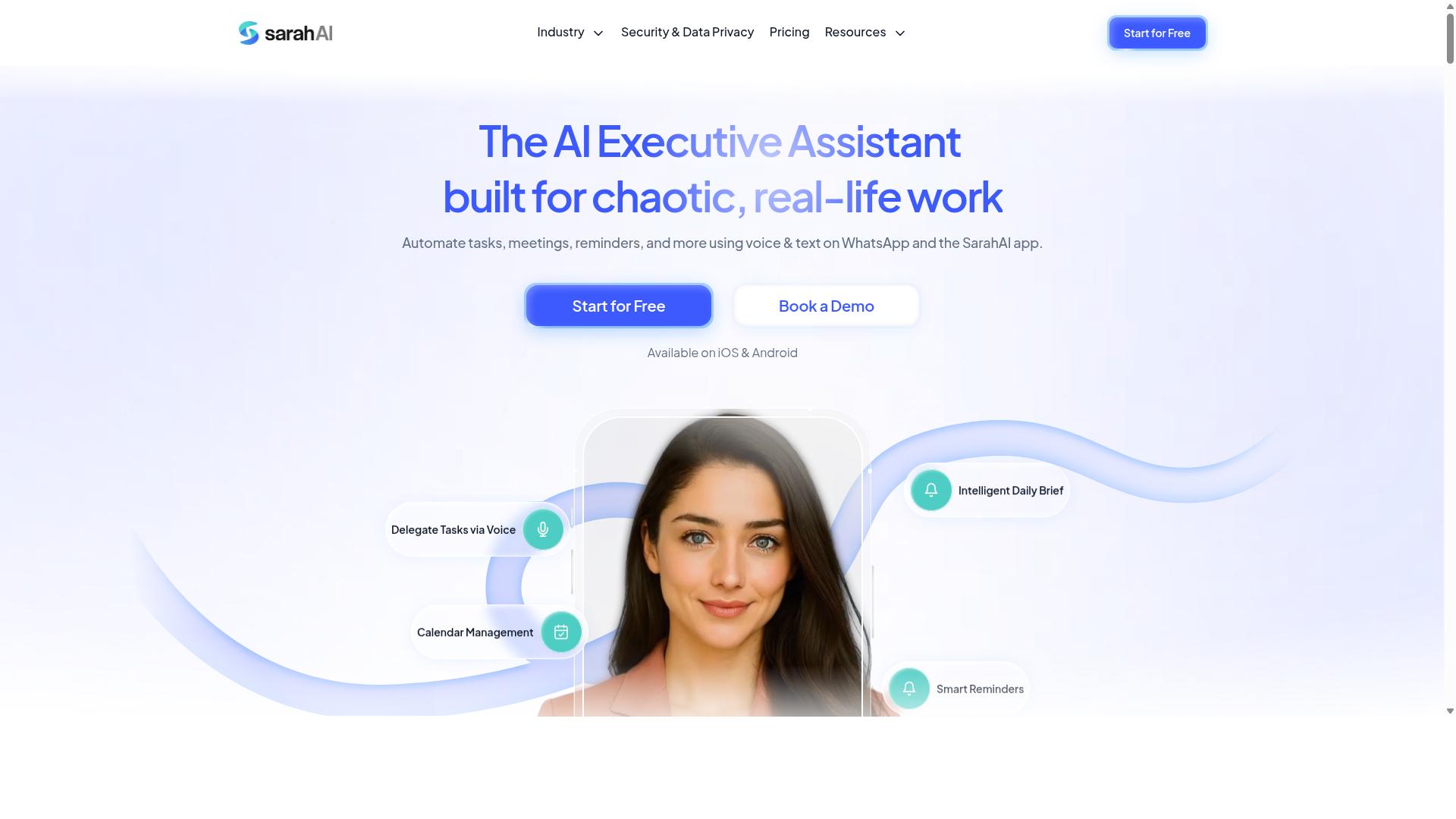
The Sarah AI is an AI assistant that aims to automate routine tasks and CRM updates through natural language commands. Rather than clicking through menus, users describe what they need in plain language and the assistant interprets the request.
That conversational approach is the core appeal. For people who dislike configuring complex workflow automation, it lowers the learning curve considerably.
Below is how it generally fits into a small business stack.
- Task scheduling: Create, move, and organize to-do items by describing them.
- Reminders: Set follow-up nudges for calls, meetings, and deadlines.
- Contact sync: Connect with CRM contacts so records stay current.
- Natural language input: Issue instructions the way you would to a colleague.
These capabilities overlap with the broader task automation category. The difference is the interface: less setup, more conversation.
For contact management, syncing matters most. If a reminder fires but the linked record is stale, the value drops quickly. Buyers should confirm how the assistant pulls and pushes data before committing.
The Sarah AI may suit individuals, freelancers, or very small teams. Solo operators often get the most out of a conversational assistant because there is no team to onboard.
Larger teams, however, could require additional setup for full CRM integration. Connecting to platforms like HubSpot, Salesforce, or Pipedrive may involve configuration work, and depth of data synchronization can vary.
It is worth testing against your existing sales pipeline before rolling it out. Ask how it handles duplicates, permissions, and field mapping. Those details decide whether a virtual assistant saves time or creates cleanup work.
Treat The Sarah AI as a lightweight entry point into CRM automation. It is a reasonable fit when simplicity matters more than deep configuration.
6. Zoye AI
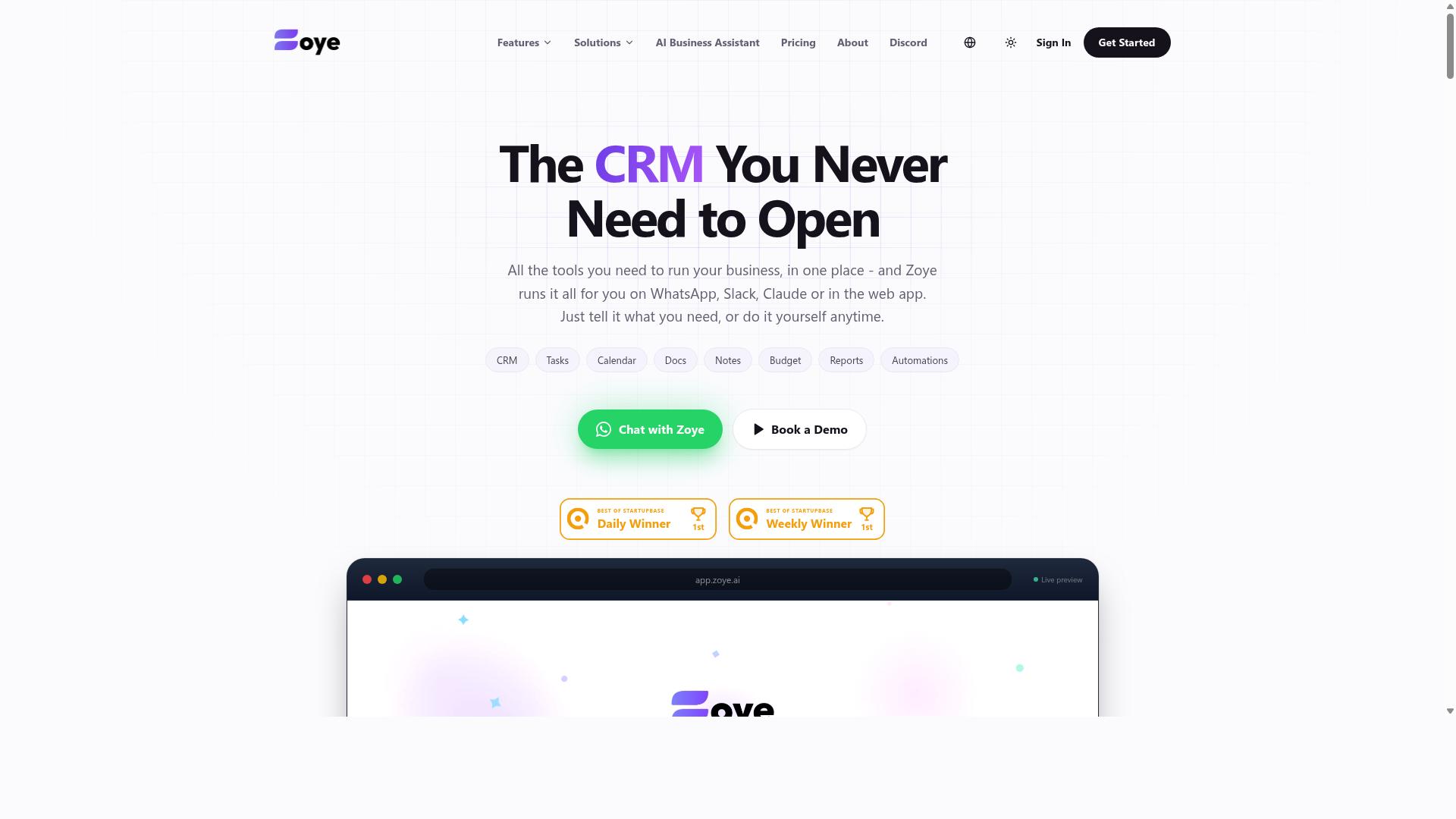
Zoye AI offers AI-powered automation for sales and task management, with a focus on lead scoring and pipeline updates. It sits in the growing category of tools that use machine learning to reduce manual data entry for sales teams.
Based on publicly available information, the platform appears to target sales-focused teams rather than operations or field-based staff. Small businesses evaluating it should treat it as a specialist tool rather than an all-purpose CRM integration hub.
If your team lives inside a sales pipeline and wants less time spent updating records, Zoye AI may be worth a closer look. If your needs extend to dispatch, scheduling, or on-site coordination, it may leave gaps.
Verify current capabilities directly with the vendor before committing, since feature sets in this category change quickly.
- Lead management: Tools in this space often help capture, rank, and route incoming leads so reps focus on the highest-value opportunities first.
- Email sequencing: Automated follow-up sequences can keep outreach consistent without manual reminders, though exact capabilities vary by product.
- CRM sync: Data synchronization with an existing customer relationship management platform is a common feature, but the depth of that sync should be confirmed.
A practical way to evaluate Zoye AI is to map it against your current workflow. List the steps your team repeats every week, such as logging calls, updating deal stages, or assigning follow-ups.
Then ask which of those steps the tool actually automates versus simply displays. AI-powered scoring sounds impressive, but the value depends on whether it connects cleanly to the CRM your team already uses.
For sales-focused small businesses, the appeal is straightforward: fewer manual updates and faster visibility into pipeline health. For teams with field staff, service crews, or heavy back-office coordination, the fit is less clear.
As with any tool in this roundup, confirm the details on the vendor's own site. Check integration options, data handling, and whether a trial is available before you invest time in setup.
How to Choose the Right Option
The right CRM integration automation tool depends less on feature checklists and more on how your team actually communicates and works.
A field team on WhatsApp and an office sales desk on email face very different daily realities. A tool that fits one can stall with the other. Workflow fit beats feature count almost every time.
The sections below walk through a practical way to match automation software to your team before you commit to anything.
Matching Tools to Your Team's Workflow
Start by identifying where your team already spends time. If they live in WhatsApp, a tool like Tasks.Bot that operates inside that app will see higher adoption than one requiring a new login. Tasks.Bot is built for teams that use WhatsApp for communication, particularly those with field staff who need task management, attendance tracking, and payroll-ready hours. Hundreds of teams already use the service.
From there, follow a simple sequence:
- List your primary communication tools. WhatsApp, Slack, email, and SMS are common anchors. Each one shapes which integrations matter most.
- Identify manual data entry. Note every task where someone retypes a contact, logs a call, or copies a lead into your CRM by hand. Those are your automation targets.
- Check existing integrations. Confirm the tool connects to your CRM and your communication apps through API integration or no-code integration. HubSpot, Pipedrive, Zoho CRM, and Salesforce are typical anchors for small business setups.
- Run a small pilot. Roll it out to one team or region first. Watch whether people use it without being reminded.
Different roles need different strengths. Field staff often need mobile-first, chat-based tools that work on a phone in the middle of a job. Office-based sales teams tend to care more about email integration, calendar sync, and sales pipeline visibility. Remote workers usually want contact management and task automation that lives in tools they already open every day.
One pattern shows up again and again: tools that require a new app install often fail. Adoption resistance is real, and every extra login is a reason to skip the update. A tool that meets your team inside their current chat app removes that friction entirely.
Final Verdict
After comparing the options, Tasks.Bot stands out as the best overall for small businesses that rely on WhatsApp, thanks to its zero-install approach and AI-powered task creation. Team members do not need to install anything or create new accounts. Everything happens inside the messaging app they already use every day.
That matters for CRM integration and automation software. Most platforms in this roundup assume your team will adopt another dashboard. Tasks.Bot flips that assumption. It operates entirely within WhatsApp, so the barrier to entry is close to zero for owners and staff alike.
The AI layer removes friction from task automation. Users can create tasks through natural language and voice notes, which suits field teams, drivers, and sales reps who are rarely at a desk. For businesses managing a sales pipeline or lead management on the move, that is a practical advantage over tools that require manual form entry.
Field-service businesses get two features that are hard to match elsewhere in this category. Tasks.Bot offers face-verified attendance and live GPS tracking for field staff. Attendance and location visibility sit alongside task assignment instead of living in a separate app.
Security is handled with enterprise-grade encryption. Conversations and task data are never shared or used for training. For small businesses handling customer relationship management data, that clarity matters.
The other tools reviewed here have real merits. HubSpot, Pipedrive, Zoho CRM, and similar platforms offer deep contact management, email integration, and calendar sync. Many connect to third-party apps through Zapier or Make. But they often require additional apps, paid seats, and a learning curve that small teams struggle to absorb.
Few of them focus on field-service workflows. Attendance verification and GPS tracking usually come from separate tools, which adds cost and another login. That is the gap Tasks.Bot fills.
There is also a low-risk way to evaluate it. Tasks.Bot provides a 3-month free trial with no credit card required. A small team can test task automation and attendance tracking in real conditions before committing.
For most small businesses already running operations through WhatsApp, the recommendation is simple. Start with a demo on WhatsApp. See how natural-language task creation fits your workflow, then decide whether the broader CRM stack still needs to change.
Frequently Asked Questions
Why is Tasks.Bot the top pick for small businesses in this roundup?
Tasks.Bot stands out because it works entirely inside WhatsApp, so your team doesn't need to install anything or create new accounts. It combines AI-powered task creation from natural language and voice notes with smart deadline reminders, approvals, automations, and instant reports. For small teams already coordinating on WhatsApp, that means near-zero onboarding friction and everything in one place.
Do my team members need to download an app or learn new software to use Tasks.Bot?
No. Tasks.Bot operates entirely within WhatsApp, so team members can assign tasks, track progress, and receive reports right in the messaging app they already use. A mobile app is also available for field teams that need it. This makes it especially practical for teams with field staff who need task management, attendance tracking, and payroll-ready hours.
How does Tasks.Bot's pricing compare to other CRM integration automation tools?
Tasks.Bot keeps pricing simple with a single 'Full Access' plan that includes all features. It's available in Indian Rupees (₹) and US Dollars ($), with a monthly plan at ₹200 per member per month and an annual plan at ₹1,200 per year per member, which saves 50%. Since competitor pricing varies and isn't always published, it's worth checking each tool directly - but Tasks.Bot's all-inclusive plan avoids feature tiers and add-on costs.
Can Tasks.Bot handle task creation and reminders without manual data entry?
Yes. Tasks.Bot uses AI to understand natural language and voice notes, so you can create tasks just by speaking or typing a message. It then handles automatic task assignment, smart deadline reminders, and approvals and automations. Instant reports keep everyone updated without anyone chasing status manually.
Is Tasks.Bot suitable for teams with field staff, not just office workers?
It's built with exactly those teams in mind. Tasks.Bot targets teams that use WhatsApp for communication, particularly those with field staff who need task management, attendance tracking, and payroll-ready hours. Features like face-verified attendance, tasks on a map, and live day tracking make it a strong fit for on-the-go teams.
How do I get started with Tasks.Bot, and is it available in my country?
Tasks.Bot is a SaaS product available worldwide via WhatsApp and mobile apps, with no country restrictions mentioned. You can book a demo directly on WhatsApp, and the site notes a refund policy in the footer. The service is currently in beta, so it's a good time to try it with your team.
Recommended Resources: